Teaching people who have never played an escape game
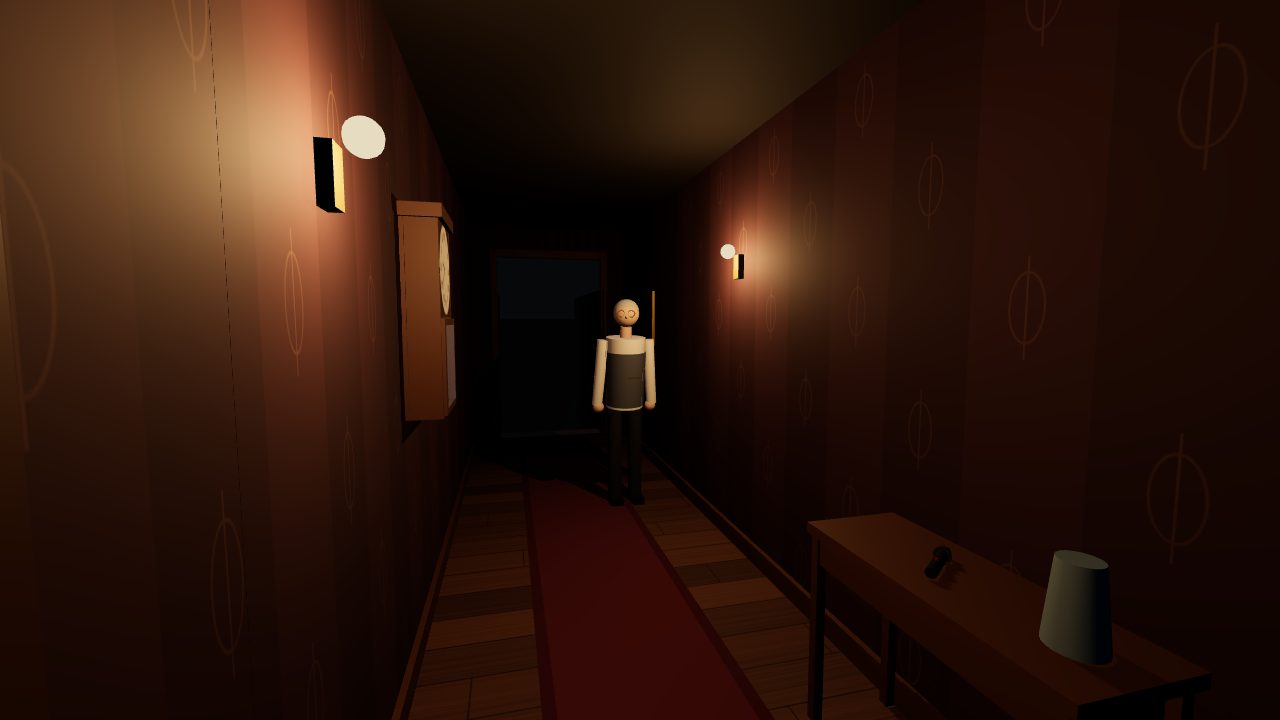
When you make a game, you stop being able to see it the way a newcomer does. I know where the journal is, what right-click does and which keys walk. Several playtesters did not. People who had never played a game like this did not know that W A S D or the arrow keys move you, that K shows the controls, or that the words at the bottom of the screen were worth reading.
So the game gained a tutorial, in four layers, each for a different kind of player.
1. A How to play card
Before your first game, a card shows the controls for the device you are on: key caps on a computer, the drag, the stick and the tap on a phone. You can choose "Show me how" or say you know how to play, and you can open the card again any time from the title screen or the pause screen.
2. A coach in the Prologue
If you choose to be shown, the Prologue becomes a guided tour. A card on the screen gives one step at a time, and each step is finished by doing the real thing: look around, walk, aim at something, open the drawer, look closely at what is inside, open the journal, search the bed, take the key, hold it, use it on the door, ask for a hint. A gold arrow hangs over the next thing to touch, and on a phone an animated hand shows the gesture. If you have not moved after eight seconds the key caps on the card pulse; after twenty, the instruction becomes plainer. If you run ahead, the coach skips the steps you have already done.
3. Reminders in every chapter
For anyone not being coached, the game watches quietly for signs of being lost and offers one short tip at a time: if you have not looked around after a few seconds, or not walked, or have never held an item, or have failed to use the same thing three times in a row. Each tip appears once, never more than one at a time, and Esc puts it away.
4. Easier to see
The controls list opens by itself for a new player, the reminder to press K for the controls is bigger and pulses for a minute, and the title screen marks the Prologue "Start here" until you have finished something.
The playtester who skipped it all
The next playtest was a friend playing the Prologue on a computer. They finished in just over seven minutes with no hints and said yes to playing on, which sounds like a success. But they had skipped the tutorial, and the log showed what that cost.
They picked up the invitation card about a minute and a half in and never looked at it closely. Its back has one of the three numbers for the final lock. They only found it more than six minutes in, after trying the key on the lobby's lock plate four times and opening the journal just before. Their own words afterwards:
"I would have liked to know that I had a journal to inspect... or that it is useful to inspect items prior to picking them up, as it gives clues on how to use the item."
They were right, and the fixes followed their words closely:
- Skipping became a quiet choice. "Show me how" is now the big button. Skipping is a small link that says "I have played games like this before".
- Looking closely is taught where it matters. For your first three items, the "Picked up" banner tells you which number holds the item and that R looks at it closely, because things often hide clues. If you carry something for a while without ever looking at it, a reminder suggests it.
- The journal is always visible. A small chip on the screen counts the clues you have not read yet and glows while there are some, and a reminder about the journal comes a minute into play.
- The choice to skip is now logged, so the next log will say whether a player was coached or not.
A bug only a tutorial could find
Building the coach turned up a bug I would never have met myself. While you are playing on a computer, the mouse is captured to look around, and in that state a button drawn on top of the picture cannot be clicked at all. A tutorial step that said "click here" could never be finished. The rule since then is simple: nothing new may need a click while you are playing. Skipping the tutorial on a computer is done from the pause screen instead.
The Prologue is still the place every new player should start, and now it does a better job of telling them so.
Play it yourself: The Guest Room, with its walkthrough, or open the game.
Discussion
No replies yet. Start the discussion: what did you make of it?